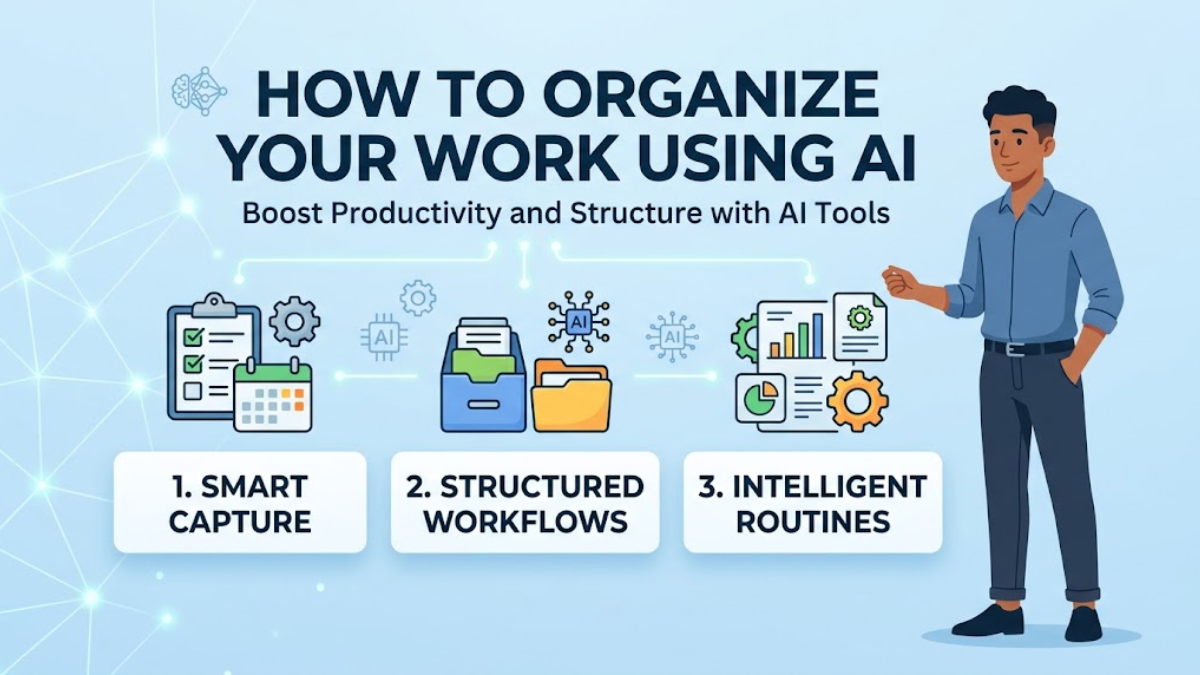
Trying organized in a fast-paced work environment can feel like a full-time job. Between overflowing email inboxes, fragmented task lists, back-to-back meetings, and scattered notes, managing workload logistics often takes time away from actual deep work.
Learning How to Organize Your Work Using AI: A Practical Guide allows you to leverage artificial intelligence as a personal administrative assistant. By automating routine task categorization, summarizing lengthy documents, and creating intelligent daily schedules, AI tools help you regain control of your workday, boost focus, and eliminate task-switching fatigue.
Benefits of AI-Driven Work Organization
- Time Efficiency: Automate repetitive manual planning, scheduling, and note-taking.
- Reduced Mental Load: Outsource task prioritization and complex project breakdowns to AI systems.
- Streamlined Information Retrieval: Use natural language queries to instantly locate key insights across your notes and emails.
- Consistency: Maintain clear standard operating procedures and task templates without manual setup every time.
Required Tools & Prerequisites
Before starting, gather the basic stack of tools required for an AI-powered organizational workflow:
| Tool Category | Recommended Apps | Purpose |
| Generative AI Assistant | ChatGPT, Claude, Gemini | Task breakdown, prompt processing, text drafting |
| AI Work & Note Workspace | Notion AI, Obsidian (with Copilot) | Structuring knowledge bases and task databases |
| Smart Calendar & Planner | Reclaim AI, Motion, Clockwise | Automated time-blocking and meeting scheduling |
| Input Data | To-do items, raw meeting notes, project briefs | Real-world work inputs to feed into your AI workflows |
Step-by-Step Guide: How to Organize Your Work Using AI
1.Consolidate and Capture Raw Inputs:
Step 1: Brain dump scattered tasks into one central space.
Start by gathering all unorganized tasks, emails, sticky notes, and action items into a single digital document or inbox. Don’t worry about order, priority, or formatting—simply dump everything into text format.
Example Input:
Plaintext
- Need to reply to Mark about the Q3 budget review.
- Draft the product launch announcement email.
- Prepare slides for team sync on Thursday.
- Review vendor contract by Friday.
- Research competitor features for new feature launch.
2.Use AI Prompts to Categorize and Prioritize:
Step 2: Transform raw text into an actionable Eisenhower Matrix.
Pass your raw task dump into your chosen AI assistant using an organizational prompt structure.
Sample Prompt:
“Act as a executive productivity coach. Take the following unorganized task list and convert it into a structured matrix categorized by priority (Urgent vs. Important). Estimate the required time for each task and assign a recommended execution order.”
Expected Output:
- High Priority / High Urgency: Q3 Budget review (30 mins), Vendor contract review (45 mins).
- High Priority / Low Urgency: Competitor feature research (90 mins), Slide preparation (60 mins).
- Low Priority: Product launch announcement draft (30 mins).
3.Deconstruct Complex Projects into Micro-Steps:
Step 3: Eliminate overwhelm by generating task sub-lists.
Large projects often cause procrastination because the immediate next step is unclear. Use AI to break high-level projects into concrete sub-tasks.
Plaintext
Project: "Prepare slides for team sync on Thursday"
└─ AI Breakdown:
   ├── Step 3.1: Gather Q2 metric outputs from analytics dashboard (15 min)
   ├── Step 3.2: Outline 3 key wins and 2 focus areas (15 min)
   ├── Step 3.3: Draft 5 slide visual layouts (20 min)
   └── Step 3.4: Review and polish speaker notes (10 min)
4.Automate Time-Blocking on Your Calendar:
Step 4: Sync prioritized tasks with smart scheduling software.
Feed your prioritized task durations into an AI scheduling calendar like Motion or Reclaim AI, or ask your AI assistant to generate a daily schedule draft.
Daily Plan Prompt:
“Here is my prioritized task list and durations [insert tasks]. Create a realistic daily schedule from 9:00 AM to 5:00 PM, incorporating a 60-minute lunch break and two 15-minute buffer periods for unexpected interruptions.”
How to Write Better AI Prompts for Organizing Work
To get accurate, actionable outputs from AI tools, follow these structured prompt templates:
Beginner-Friendly Prompt Template
Role: You are an executive assistant.
Task: Organize my unstructured daily notes into three categories: Action Items, Key Decisions, and Follow-ups.
Input Text: [Insert raw text/notes]
Output Format: Clean Markdown bullet points with owner and deadlines where applicable.
Advanced Prompt Template
Context: I am managing a multi-phase software rollout with cross-functional dependencies across marketing, engineering, and sales.
Task: Analyze the project milestones listed below and construct a RACI matrix (Responsible, Accountable, Consulted, Informed) along with a risk mitigation log.
Constraints: Format as a Markdown table. Highlight any potential scheduling bottlenecks based on standard 5-day work weeks.
Common Pitfalls & Troubleshooting Tips
- Pitfall 1: Over-relying on AI context memory.
- Fix: Don’t expect AI assistants to remember previous project context indefinitely. Always provide necessary background information or relevant constraints within your prompt.
- Pitfall 2: Creating overly vague or unconstrained prompts.
- Fix: Specify strict output formats (e.g., bulleted lists, tables, JSON, or specific markdown headers) and time constraints.
- Pitfall 3: Failing to review AI-generated task estimates.
- Fix: AI can misjudge human execution speed or organizational nuances. Treat AI schedules as a baseline and adjust time buffers based on experience.
- Pitfall 4: Sharing sensitive data.
- Fix: Ensure privacy settings are configured correctly on public AI tools, or anonymize client names and proprietary data before inputting them.
Conclusion & Next Steps
Organizing your work with AI isn’t about replacing human planning; it’s about reducing friction and cognitive load so you can focus on execution. By combining simple text prompts with smart prioritization frameworks and automated scheduling, you can turn fragmented workday clutter into a clear, actionable system.